Lab / Memory & knowledge
← Back to the LabSecond Brain
Memory that belongs to no single AI.
What I find, decide and discuss becomes knowledge I can retrieve later, with its source — and use with different authorized AI tools.
Bruno Rausch · system concept and development
01 / The problem
Saving was not the same as remembering.
References in saved posts, articles in bookmarks and decisions in chat history: I found information but lost the context. I built Brain to bring that knowledge together outside any AI model. A new conversation can retrieve what has already been recorded, instead of depending on me to explain everything again.
- Notes in the knowledge base
- 7.042
- Effective connections between notes
- 4.617
- Recorded versions
- 1.596
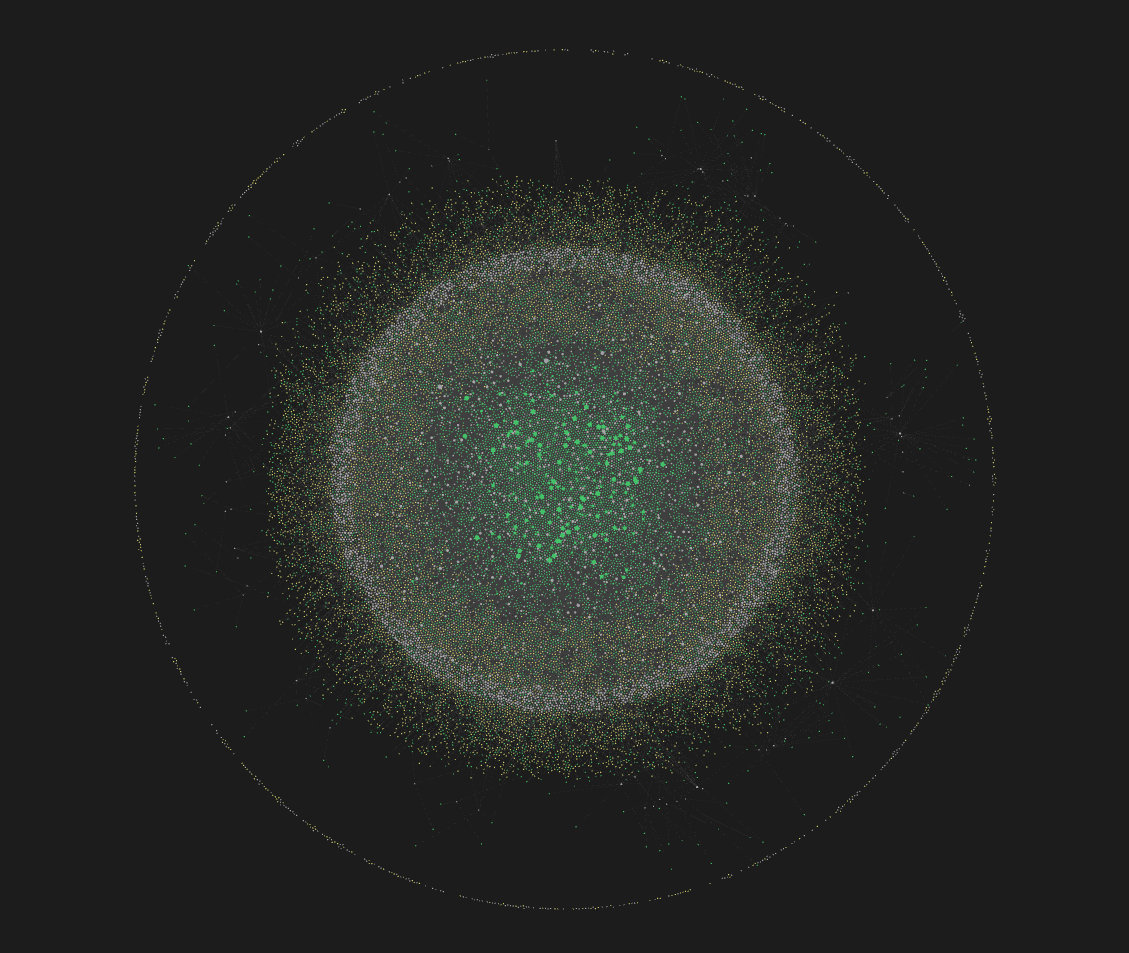
Snapshot dated October 6, 2026. The 26,506 written references in the knowledge base are a different count from the 4,617 unique pairs of existing notes connected to one another.
02 / How I bring content in
I choose what is worth keeping.
The starting point is content I consider relevant to my work: a visual reference, an idea, a technique or a decision. I save it on social platforms, send it during a conversation or record it directly. Ingestion turns that material into notes with a summary, topic and source, so its value is not limited to a link or an image.
- Find and select
- Content becomes a note
- Add context and relationships
- Retrieve when needed
Visual references
Saved Instagram and Threads posts, plus Behance projects. Design references receive descriptions and visual analysis while preserving attribution and source.
Reading and materials
Pages, articles, videos sent in conversations and documents converted into notes. The content becomes searchable by topic.
What I build and decide
Projects, lessons, conversations and decisions enter too. The knowledge base preserves reasoning I may want to revisit later.
Selection starts with me. Suggested new connections go through my review; they are not applied automatically.
03 / From a dot to a note
Every dot has content behind it.
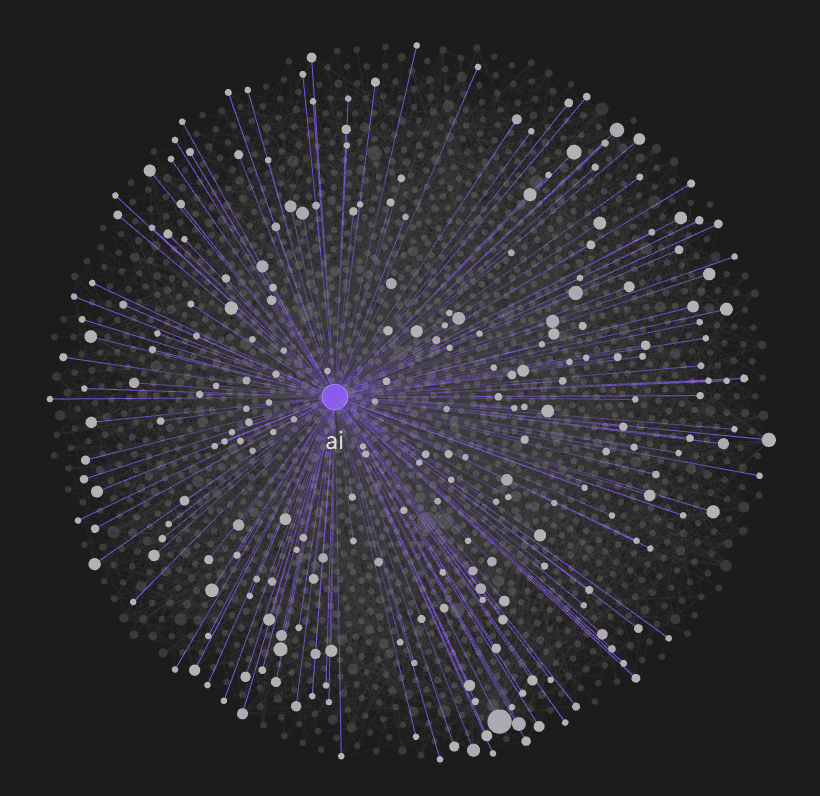
The graph is a way to see the knowledge base. Each dot — or node — represents a structured note: it has a title, type, topic, summary, source and relationships with other notes. It can hold a reference, concept, project or decision. Lines make those relationships visible: content becomes part of a network rather than an isolated item.
04 / Connect to retrieve
What I saved yesterday can help tomorrow.
A note connects to concepts, references and earlier decisions. That neighborhood helps recover material when a question comes up: “what have I seen about this?” or “why did we decide that?”. Search works by meaning or exact terms, and the source lets me return to the material behind the answer.
81% of notes cite another note. In the latest audited scan, 927 notes were analyzed and 56 new connections suggested — none applied automatically. Part of the maintenance still requires manual work.
05 / Memory across AI tools
The model changes. The memory stays.
Hermes queries Brain during conversations. ChatGPT receives system documentation as a source. Claude and ChatGPT have also recorded knowledge in the base through verified occasional use. Each tool has its own way to access context; the knowledge stays outside them, in a base I control.
Relevant retrieval
The agent retrieves what helps with the task. Access to memory does not mean automatically knowing the entire knowledge base.
Authorized access
Each agent needs its own authorization. Reading and recording are separate permissions; models do not synchronize with one another.
06 / What keeps the memory durable
The knowledge is mine. The tool is a choice.
Obsidian and Markdown keep notes readable in an open format. Version history preserves changes. Semantic search finds topics even with different words, and its index can be rebuilt from the notes. MCP connects authorized agents to context through a controlled access layer.
- Durable knowledge base
- Meaning and exact-term search
- Controlled access
- Authorized agents
07 / The lesson
Build on context, conversation after conversation.
The value is continuity: references can become useful again, decisions retain their reasoning and a new conversation can build on earlier work. Memory needs structure, sources and curation to remain trustworthy. Automation suggests relationships; I keep the decision over what changes.
Personal project in use. Content and counts are based on the October 6, 2026 audit. Graph captures and the video excerpt were selected without legible private content. The example note is generic and illustrative.
Another Lab projectHermes ↗